
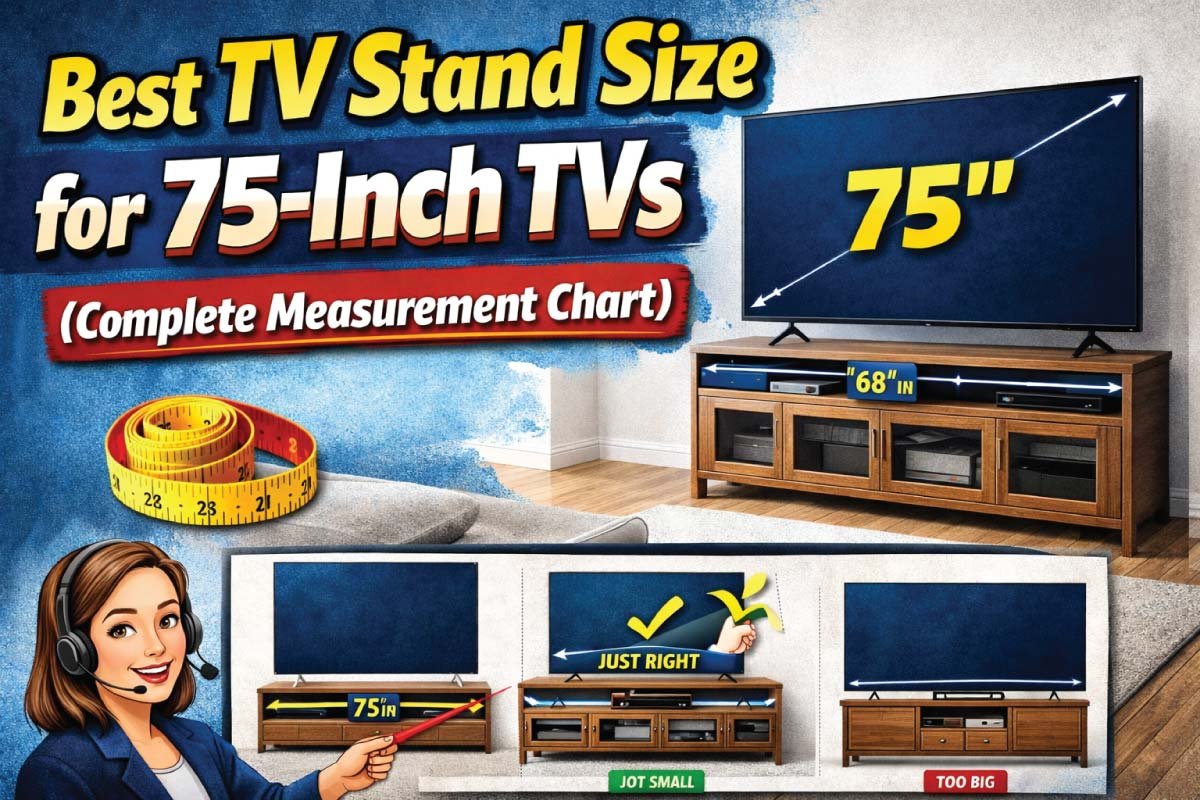
A 75-inch TV is a statement piece. Whether you’re building a home theater or upgrading your living room, choosing the right TV stand is just as important as choosing the TV itself. The wrong stand can throw off your room’s balance, cause viewing discomfort, or even create safety issues. The right one, however, enhances your space, improves viewing comfort, and provides practical storage.
This TV stand size guide for 75-inch TVs breaks everything down step by step. You’ll learn the ideal width, height, and depth, how to match a stand to your room size, and what common mistakes to avoid. To make things even easier, we’ve included two detailed charts you can use as quick references while shopping.
Why TV Stand Size Matters for a 75-Inch TV
Keeps your TV stable and secure
Ensures comfortable eye-level viewing
Creates visual balance in the room
Provides enough space for media devices and décor
Because most 75-inch TVs weigh between 70 and 100 pounds, size and strength are critical considerations not just aesthetics.
How Big Is a 75-Inch TV?
The “75 inches” measurement of a TV refers to the diagonal length of the screen, not its actual width or height. Many people misunderstand this, which can lead to confusion when choosing TV stands, wall mounts, or planning the perfect living room setup.
Average Dimensions of a 75-Inch TV
While dimensions vary slightly by brand, most 75-inch TVs fall within a similar range:
Width: 65–66 inches
Height: 36–38 inches
Depth: 2–3 inches (without base)
Weight: 70–100 lbs (without stand)
When the TV’s feet or base are attached, the overall width may increase by a few inches. This is why your TV stand should always be wider than the TV itself. Sure! Here’s an expanded, engaging version of your section “Ideal TV Stand Width for a 75-Inch TV” keeping all the original numbers and points intact while making it more descriptive and blog-friendly:
Ideal TV Stand Width for a 75-Inch TV: Why Wider Is Always Better
When it comes to choosing a TV stand for a 75-inch television, width is by far the most important factor. A stand that is too narrow can make your TV look unstable, create safety risks, and throw off the overall visual balance of your living space. On the other hand, a properly sized stand not only supports the TV securely but also enhances the aesthetic appeal of your setup.
The Golden Rule: Wider Is Better
Rule of thumb: Your TV stand should be at least 10–15 inches wider than your TV screen.
For most 75-inch TVs, which are roughly 66 inches wide, this guideline translates to:
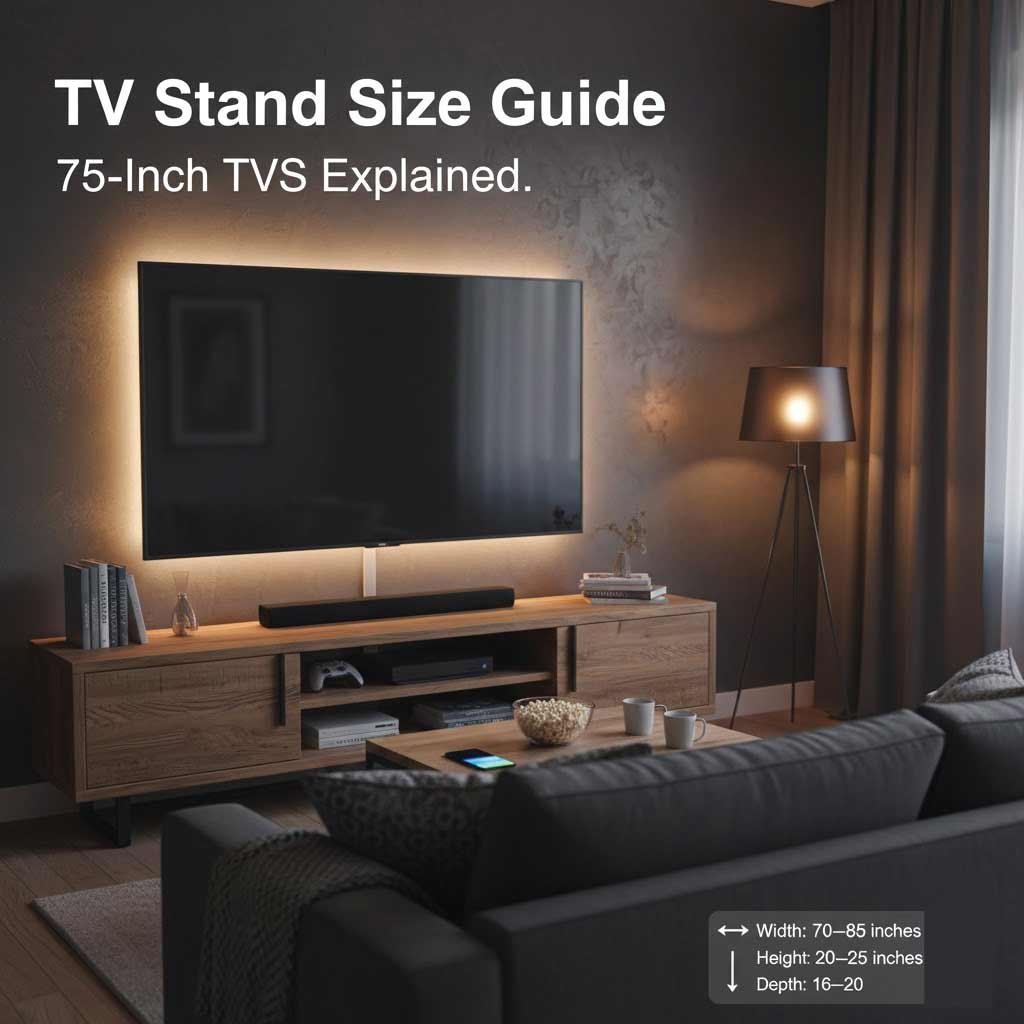
Minimum stand width: 70 inches
Ideal stand width: 75–85 inches
Why a Wider Stand Matters
Choosing a stand that extends beyond the edges of your TV provides multiple benefits:
Better Weight Distribution – A wider surface spreads the TV’s weight evenly, reducing the risk of tipping or instability.
Improved Safety – Extra width gives a safer margin, especially in homes with kids, pets, or high-traffic areas.
Visual Balance – A TV that fits well on its stand looks intentional and well-proportioned, avoiding the cramped or awkward appearance of a too-small stand.
In short, when selecting a stand for a 75-inch TV, think bigger rather than smaller. Not only will it improve safety, but it also creates a cleaner, more polished look for your entertainment area.
TV Stand Height: Finding the Perfect Viewing Angle
Eye-Level Viewing Explained
For comfortable viewing, the center of your TV screen should align with your eye level when you’re seated. On average, seated eye level is 42–45 inches from the floor.
A 75-inch TV is roughly 37 inches tall, so the ideal TV stand height is:
- 20–25 inches
This height range places the center of the screen right where it should be without forcing you to tilt your head up or down.
TV Stand Depth: Stability and Storage
TV stand depth is often overlooked, yet it plays a vital role in both stability and everyday functionality. Adequate depth ensures your TV base sits securely, reducing the risk of tipping or imbalance. It also provides enough room for media devices, sound systems, décor, and proper cable management, keeping your setup organized, accessible, and visually clean while maximizing storage efficiency.
Recommended Depth for 75-Inch TVs
Minimum depth: 15 inches
Ideal depth: 16–20 inches
A deeper stand:
Fully supports wide TV bases
Prevents tipping
Provides space for soundbars, consoles, and cable management
TV Stand Size Chart for 75-Inch TVs (Quick Reference)
Choosing the right TV stand for a 75-inch TV becomes much easier with a quick reference guide. This size chart summarizes the ideal width, height, depth, and weight capacity, helping you compare options at a glance and select a stand that’s safe, balanced, and visually appealing.
Recommended TV Stand Dimensions
| Measurement | Recommended Size |
|---|---|
| TV Screen Size | 75 inches |
| Average TV Width | 65–66 inches |
| Minimum Stand Width | 70 inches |
| Ideal Stand Width | 75–85 inches |
| Stand Height | 20–25 inches |
| Stand Depth | 16–20 inches |
| TV Weight Capacity | 100+ lbs recommended |
Viewing Distance for a 75-Inch TV:
When choosing a TV stand for a 75-inch TV, it’s important to consider not just the stand’s dimensions but also the distance between your seating area and the screen. Proper viewing distance ensures comfortable, strain-free viewing while maximizing your immersive experience.
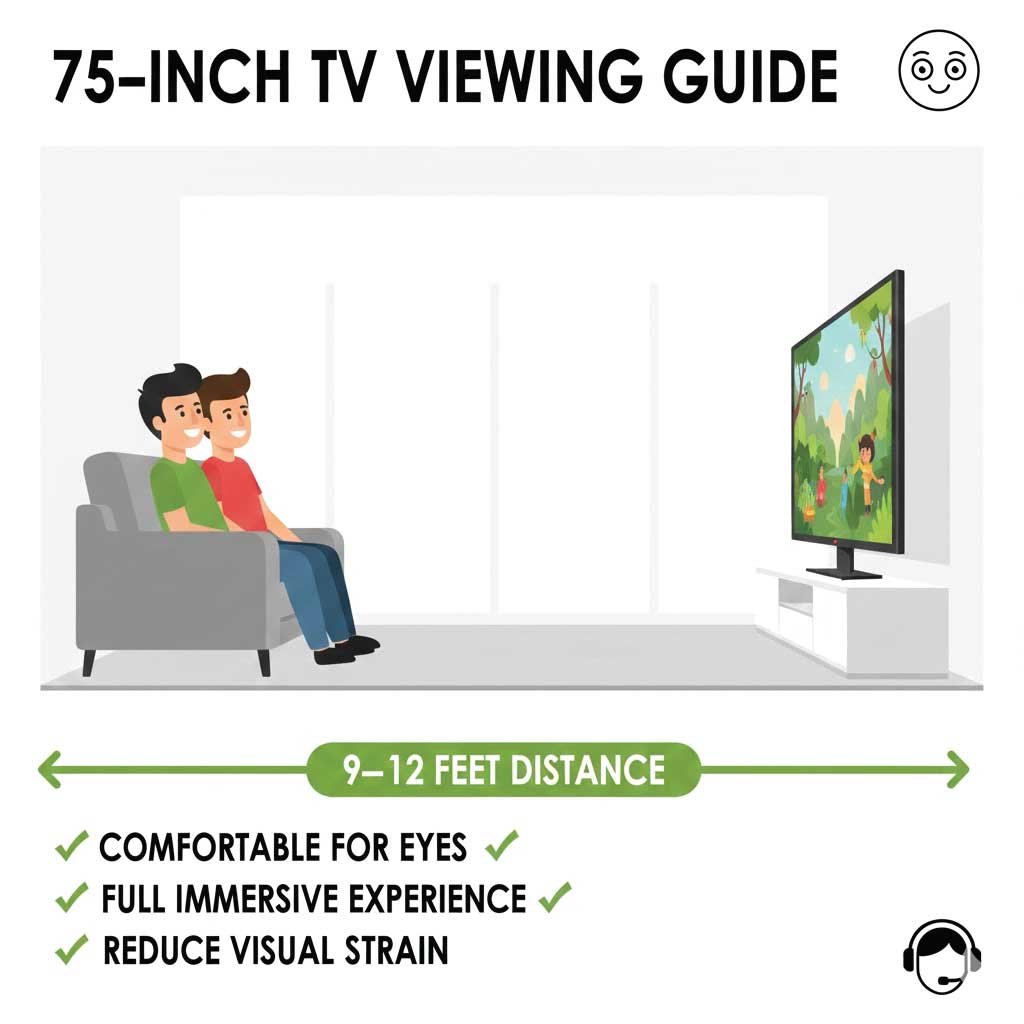
Ideal Viewing Distance
9–12 feet from the screen
Sitting closer than 9 feet may lead to eye strain, while sitting farther than 12 feet can reduce visual immersion and detail clarity. Selecting a well-sized stand ensures that your 75-inch TV is positioned at the correct height and distance, creating a comfortable and cinematic viewing experience.
Also Read:
Choosing a TV Stand Based on Room Size
Not all rooms can accommodate the same TV stand, even for a 75-inch TV. In small living rooms, choose a stand 70–75 inches wide, with open shelving to reduce visual bulk, and lighter finishes like white, oak, or light gray. For medium to large rooms, go for 80–85-inch low-profile stands, which create a cinematic feel, and consider dark wood or bold finishes to add style.
Small Living Rooms
Choose a stand closer to 70–75 inches wide
Opt for open shelving to reduce visual bulk
Stick with lighter finishes (white, oak, light gray)
Medium to Large Living Rooms
Go for 80–85-inch stands
Low-profile designs enhance a cinematic feel
Dark wood or bold finishes work well
Storage Options: What Type of TV Stand Do You Need?
TTV stands do much more than simply hold your television—they act as functional storage hubs that help organize your living space. They provide room for media devices like gaming consoles, DVD players, and streaming boxes, while also keeping cables, remotes, and accessories neatly tucked away. Many designs include a combination of open shelving and closed cabinets, allowing you to balance accessibility with a clean, clutter-free appearance.
Open Shelving
Ideal for gaming consoles and cable boxes
Better airflow for electronics
Easy access to devices
Closed Cabinets
Hide clutter and cables
Create a clean, minimalist look
Great for formal living rooms
Hybrid Designs
Combine open shelves and cabinets
Most versatile option
Best choice for large TVs like 75-inch models
Also Read:
TV Stand vs. Wall Mount: Which Is Better?
Some homeowners wonder whether to use a traditional TV stand or wall mount their 75-inch TV. Each option has advantages, so it’s important to compare functionality, aesthetics, and room layout before deciding.
TV Stand vs. Wall Mount Comparison
| Feature | TV Stand | Wall Mount |
|---|---|---|
| Installation | Easy, no drilling required | Requires drilling into wall |
| Flexibility | Can be moved or repositioned easily | Fixed position once mounted |
| Storage | Built-in storage for devices and accessories | Requires separate console or shelf |
| Aesthetic | Traditional to modern, blends with décor | Sleek, minimalist, modern look |
| Safety | Stable if properly sized and anchored | Very secure when mounted correctly |
| Cable Management | Easier to access and hide cables | Requires planning for cable concealment |
Many people choose a wall-mounted TV with a wide media console below, combining the benefits of both options.
Weight Capacity and Safety Considerations
A 75-inch TV’s size and weight demand careful attention to weight capacity and safety. Always choose a stand rated well above your TV’s weight for stability. Anti-tip straps or wall anchors add extra protection, helping prevent tipping, accidental damage, or injuries in busy households.
Important Safety Tips
Choose a stand rated for at least 100 lbs
Ensure the TV base fits entirely on the stand
Use anti-tip straps, especially in homes with kids or pets
Avoid narrow or unstable designs
Common Mistakes to Avoid When Buying a TV Stand
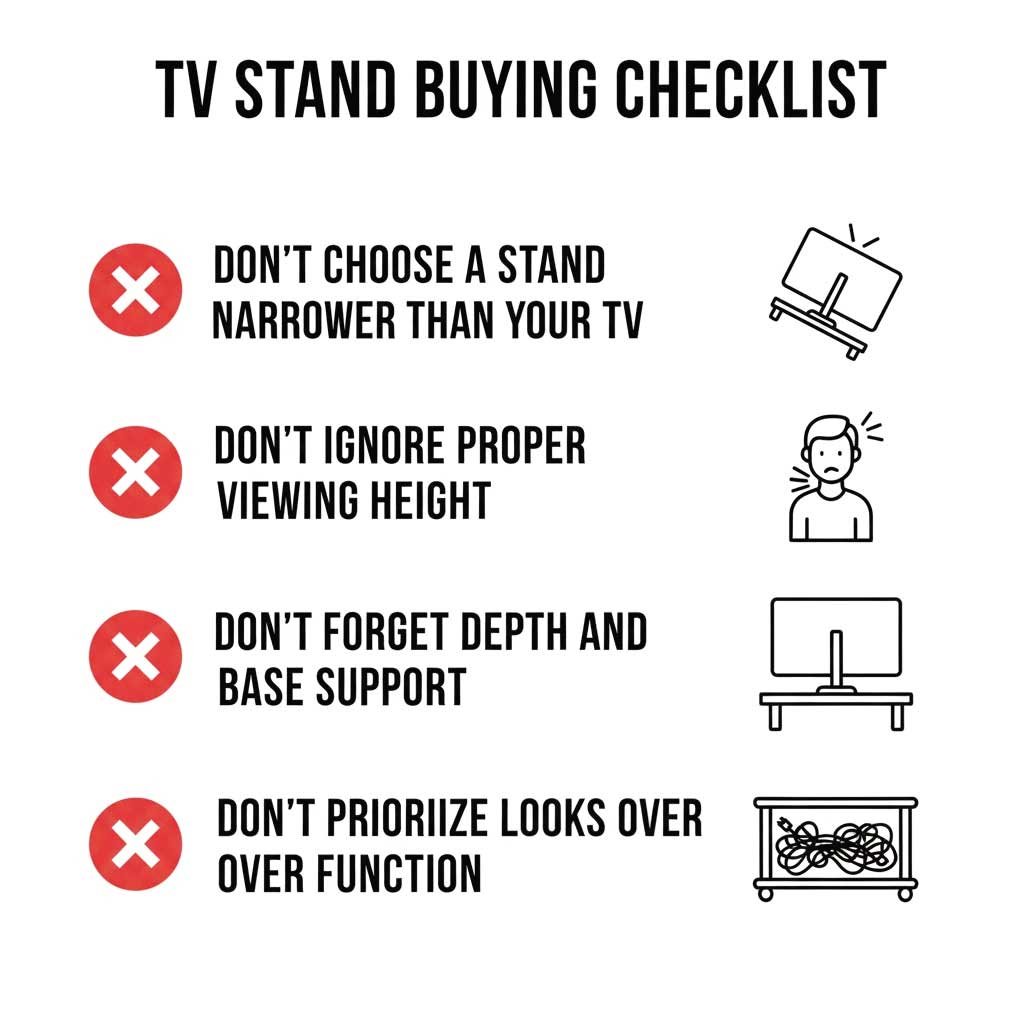
Choosing a stand that’s too narrow: This makes the TV look unstable and unsafe.
Ignoring stand height: A stand that’s too tall causes neck strain.
Overlooking depth requirements: Shallow stands may not support wide TV bases.
Buying based on looks alone: Function should always come before style.
Final Thoughts: Finding the Perfect TV Stand for Your 75-Inch TV
A 75-inch TV is a statement piece, and it deserves a stand that complements its size, enhances viewing comfort, and keeps it secure. Choosing the right stand involves more than just matching dimensions It’s about ensuring safety, functionality, and visual balance.
By following the recommended measurements 70–85 inches wide, 20–25 inches high, and 16–20 inches deep you will create a setup that feels proportionate and stable. Consider your room layout, seating distance, and storage needs when selecting a stand, and do not forget features like shelves or cabinets for media devices.
Use the charts provided in this guide to make informed decisions, measure your space carefully, and plan placement thoughtfully. When size, style, and practicality come together, your TV area transforms into the centerpiece of your home, offering both aesthetic appeal and a cinematic viewing experience.
Also Read:
